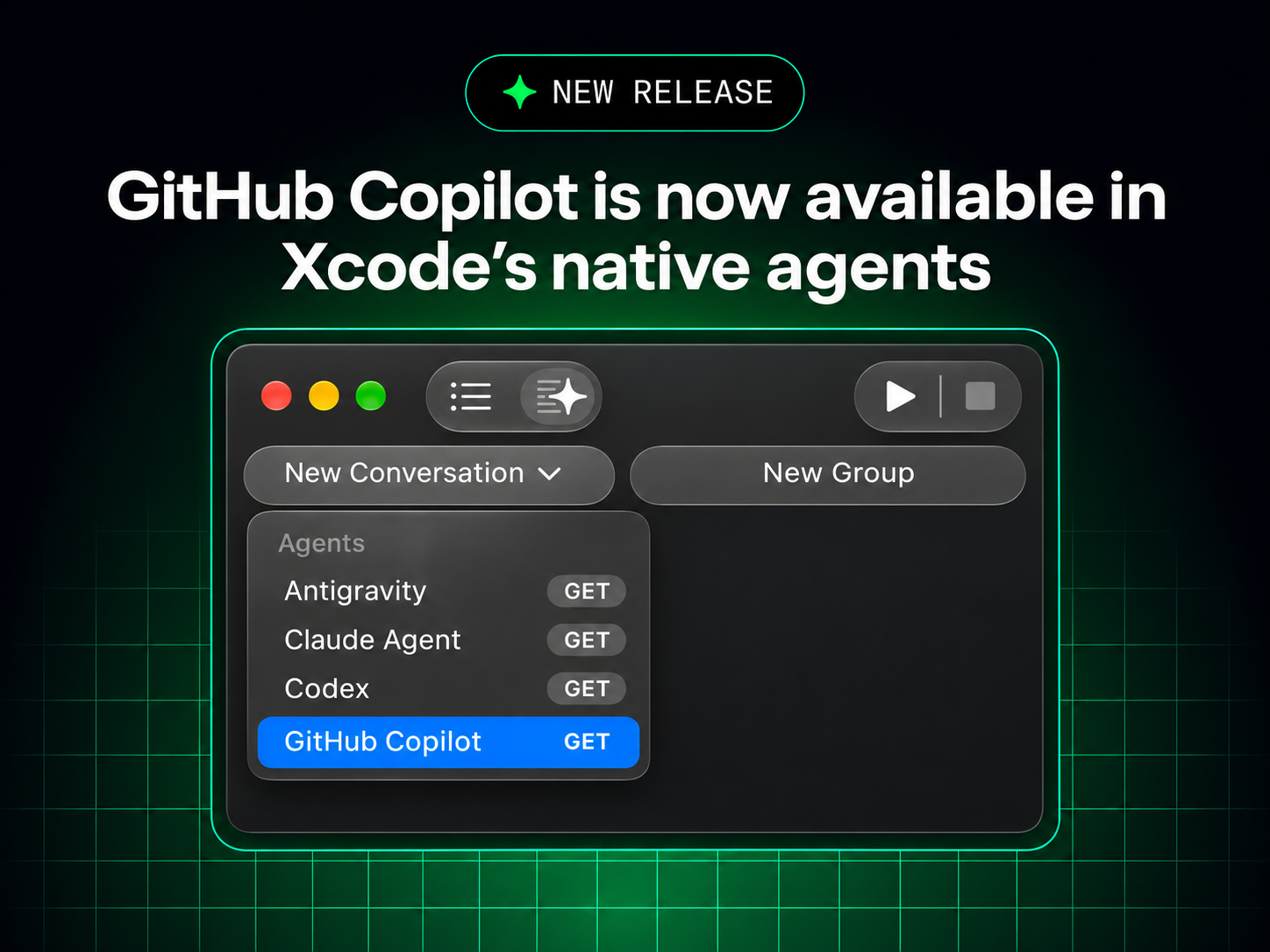
GitHub Copilot comes to Xcode's built-in coding assistant, in public preview from Xcode 27.3 beta
What is it?
You can now pick GitHub Copilot inside Xcode's own coding assistant. Install Xcode 27.3 beta, then connect your Copilot account under Xcode > Settings > Intelligence. Every Copilot plan works. The existing GitHub Copilot for Xcode extension stays available, so you can use whichever setup suits you.
Why does it matter?
Swift and iOS developers can now use the Copilot seat their company already pays for in Apple's native chat and editing flow without installing an extension. It ships in the same 27.3 beta as the Siri AI developer preview we covered yesterday, another sign that Apple's developer tools are opening up to outside AI. If your team already has Copilot licenses, you can try it today without a new contract.
Maturity
PreviewThis is a public preview. It needs Xcode 27.3 beta and macOS Tahoe 26.6 or later, and behavior may change before Xcode's final release.
How to track it
- General availability: Watch the GitHub changelog for the integration to drop its preview label when Xcode 27.3 ships.
- Feature gaps: Compare agent mode and model choice between the old extension and the built-in assistant in the github/CopilotForXcode repo.